
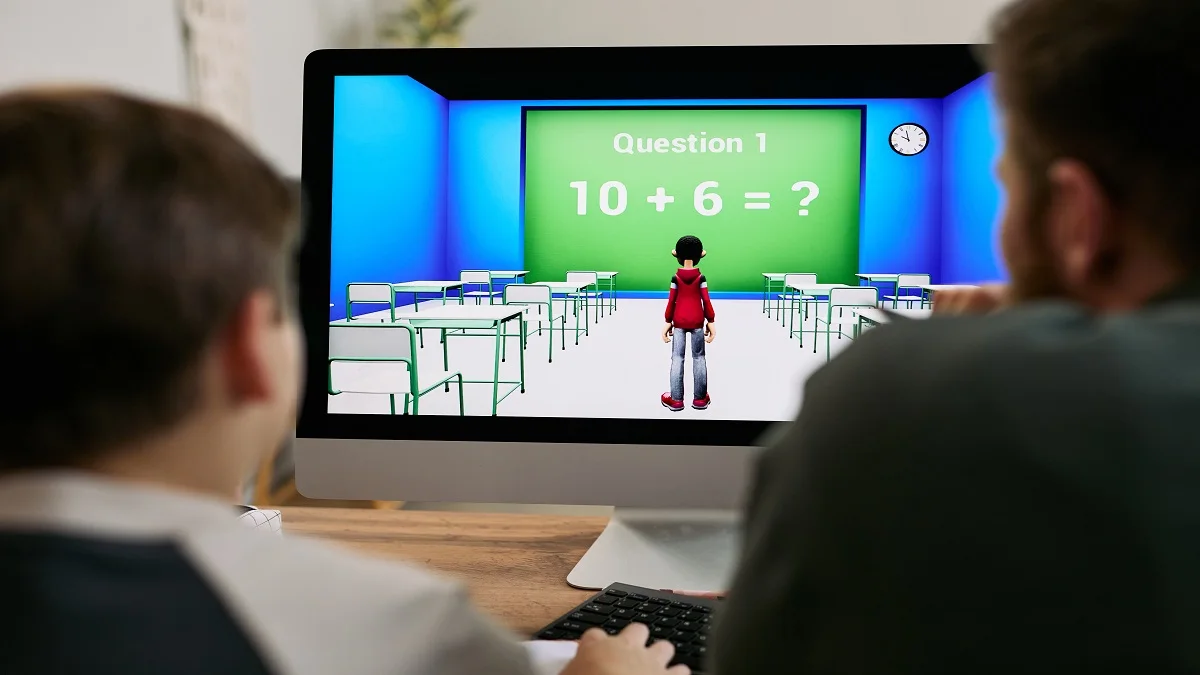
Classroom 15X is a name used by free browser-game websites, not a school app from Google or from a district. The pages generally let someone start a game without installing software. They do not share one catalog, and a word like “unblocked” does not decide whether a school network will open the address.
That matters if a friend sent a link, a Chromebook showed a block page, or a parent asked what the site is. Read the full web address, see what that page is actually offering, and follow the rules on the device in front of you.
What the name refers to
In current search results, Classroom 15x mainly points to catalogs of online games. A visitor opens a site and picks a title, and the game runs in the browser. Classroom15x.com describes itself as a place for fast-loading, free “unblocked” games and says players do not need a download or an installation. Its public pages group games into categories such as sports, arcade, adventure, driving, puzzle, shooting, simulation, horror, and multiplayer.
The same name appears on other addresses. Classroom15x.net describes HTML5 games meant for school networks, with no download and no sign-in. A public GitHub repository, task4z/classroom-15x, calls itself a free game template and links to classroom15x.net. Separate Google Sites pages use a Classroom 15x heading and sort browser games into folders, including one labeled for kids and educational games.
None of those public pages, reviewed in October 2026, show one company behind every result. A shared name is not shared ownership. Treat each address as its own site unless a privacy policy, a contact page, or another record you can verify connects them.
Some articles also describe Classroom 15x as a teaching method that multiplies learning or as a classroom-design program. This review did not find a school system or an education publisher defining an official model under that name. If a page mixes game links with claims about test scores, treat that as marketing.
What the game pages offer
On Classroom15x.com, the pitch is short sessions and a large menu. The homepage says the games are for breaks at school or elsewhere and calls them “school-friendly.” Categories still include shooting and horror. In October 2026, visible titles included Slope, Retro Bowl, Stickman Hook, OvO, Drive Mad, 1v1 LOL, Tiny Fishing, and a Minecraft Classic listing, plus many others. Some entries were marked as ads.
A site can use “school-friendly” and still list horror and shooting games. That phrase is the site’s own wording. It is not district approval, an age rating from a standards body, or proof that every title belongs in a classroom.
Other addresses describe a narrower set of games. One Google Sites educational page tells visitors to check with a teacher or IT administrator before playing during class. The .NET page says sessions are short and that ads are limited. Those are the sites’ own statements, not an outside audit of every file or ad.
A familiar title does not mean the game’s publisher runs Classroom 15x. Retro Bowl, a Minecraft-style listing, or another well-known name can sit in a third-party catalog. That shows what the page is offering. It does not show a partnership.
School Chromebooks are often locked so students cannot add software. A game that stays in the browser can open when the filter allows the address. “No download” describes how the game starts. It is not permission to play during class.
Why access is uneven
“Unblocked” is advertising language. Classroom15x.com uses phrases such as “unblocked and unbanned games.” The site is presenting itself as reachable on networks that block better-known game sites. It does not control the filter.
A school or library can block a domain, a category, or a type of content. Two students can search the same name and land in different places: one page loads, another is blocked, and a third address was never the same catalog. A block message means an administrator’s rule was fired. Hopping to a look-alike address to get around it can still break school rules when the second page loads.
People sometimes mix that local rule up with federal filtering law. Under the Children’s Internet Protection Act, schools and libraries that receive E-Rate discounts must block pictures that are obscene, child pornography, or harmful to minors. The Federal Communications Commission’s consumer guide describes that duty. It does not say schools must block games. Many districts still limit entertainment sites on their own. Those local rules decide whether a Classroom 15x address opens.
Loading a page and being allowed to use it are different. A school may permit a site after school and block it on a student Chromebook during the day. Check with a teacher or IT staff before playing in class.
Not the same as Google Classroom
Google Classroom is a class tool in Google Workspace for Education. Google describes it as a place to manage classes, assignments, grading, and related teaching tools. Schools set it up for teachers and students. It is not a public game catalog, and Google says Classroom itself is ad-free.
Classroom 15x only shares the word “classroom.” A similar title, a Chrome window, or a Google Sites address does not make a game page part of Google Classroom. Google Sites is a hosting tool, and someone outside your school can publish a page there.
For assignments, class membership, or a message to a teacher, use the Classroom link your school gave you. A game catalog will not show that work, and it should never ask for a school Google password.
How to tell the sites apart
Use the address bar, not the logo.
Read the whole domain. Classroom15x.com, classroom15x.net, a GitHub Pages address, and a Google Sites URL are different websites. Extra letters matter. One Google Sites version uses the path classroomm15x, with a doubled “m,” while the heading still says Classroom 15x.
Compare what is on the page. The .com site is a broad portal, including horror and shooting. The Google Sites pages include an educational folder and other categories, shooters among them. The GitHub project’s short description says “free template with games” and points to classroom15x.net, while its README talks about “169 interactive lessons” and hardware testing. Those two descriptions do not match. When the menu changes, you are on a different page.
Look for an operator you can identify. Check for contact details, a privacy policy, and terms. A copyright line, including a 2025 notice on the .com site, only repeats what that page printed. The .net page states a first-quarter 2025 launch and calls the founder a solopreneur. This review did not confirm either detail in an independent business record.
Notice what the page asks for. A browser game does not need a school password, a separate player download, or a browser extension. Close the tab if a window asks for unknown software, surprise notification permission, or a school sign-in. Classroom15x.com marks some listings as ads. An ad tile is not the game a friend named.
Treat hide-the-game claims as a stop sign. Some write-ups about numbered “classroom” game sites promote a screen that imitates a school tool so a game is harder to see. This article does not explain how to do that. A page sold as a way to hide a game is announcing the use. Leave it, and do not type account details into it.
Do not trust “official” on its own. The GitHub repository links to classroom15x.net and calls that link official. That shows where the repository points. It does not make the .net site the owner of the .com portal or of the Google Sites pages.
Before you open a link
- Read the full address and note the domain.
- See whether the page is a game catalog, an educational folder, or a code repository.
- Skim the categories. Horror, shooting, or a download prompt is a reason to stop.
- If the school network blocks the page, stop.
- Play only when the rules allow, and only if the page stays in the browser without a password or an install.
Ask for the exact address, not the nickname. Two people can say “Classroom 15x” and mean different sites. Teachers should not assign the name as if it were a district learning system. If a class needs a browser activity, use a page the school has already approved and put that URL in the assignment.
Questions that come up
Is Classroom 15x free?
The .com and .net pages say play is free and that no download is required. Free is not ad-free. The .com homepage labels some items as ads, and the .net page says advertising helps support the site. This review did not find one fee schedule for every site using the name.
Do you need an account?
The .NET page says there is no sign-in. The .com homepage describes instant play and does not, in that main text, ask visitors to create an account. Another copy could add a login later. A page that demands a school email password is asking for more than a browser game needs.
Will it open on a school Chromebook?
Sometimes. The games are meant to run in a browser, which fits a Chromebook that blocks installs. The filter can still block the domain. A site’s claim that it “works on Chromebooks” means the game can run on that hardware if the page is allowed to load. It is not a certificate from Google, and it is not proof that your campus allows the site.
Is it safe?
No single answer covers every address. Risk depends on the domain, the ads, the catalog, and whether you install software or enter a password. This review did not test every game file for malware, and it did not find a safety certification covering every site that uses the name.
Is there one real Classroom 15x?
Not on the public evidence available in October 2026. The name is in use on a .com portal, a .net page, a GitHub project that points at the .net page, and Google Sites folders. They share a theme and differ in their catalogs. Until an operator documents ownership in a way you can check, “real” means the address in the bar.
What to do with the name
Classroom 15x is a label for browser-game sites that students often look up on school devices. The games are advertised as free and immediate. The sites behind the label are not one confirmed product, and a school filter can block any of them.
Read the domain before you follow a forwarded link. Skip a page that wants a password, a download, or a way to hide the screen. If the address is blocked, leave it blocked. For classwork, use Google Classroom or the system your school assigned.
1 comments